The LEDs on the Mini 4K+ and Mini Pan-Tilt 2K+, Mini 2K+, Mini 2, and Mini cameras are located on the front of the device. Below is a chart explaining the meanings of the LED indicators, along with corresponding links to relevant support articles for troubleshooting.
Note: During a hard reset, the Mini, Mini 2, and Mini 2K+ cameras will display a blinking red and blue LED as a signal to release the reset button.
Mini 4K+ and Mini Pan-Tilt 2K+ LEDs
The Mini 4K+ and Mini Pan-Tilt 2K+ use a single blue LED to indicate different states.
| Light Pattern | Description |
|---|---|
 |
LED: Solid blue
Activity: Mini Camera is either recording motion or accessing a live view. You can disable this LED by going to Device Settings > General Settings > Status LED > Always Off. Learn more about device settings.
|
 |
LED: Blue flashing slowly
Activity: Camera is in setup mode. Complete setup in the Blink app.
|
 |
LED: Blue flashing twice, then staying on
Activity: Firmware update in progress. Do not unplug; wait for update to complete.
|
 |
LED: Blue pulsing slowly
Activity: Two-way talk or speaker enabled.
|
 |
LED: Quick flash between slow flashes
Activity: Setup failed (Wi-Fi password error). Re-enter Wi-Fi password and retry setup.
|
 |
LED: None
Activity: Camera has completed the setup process, established an online connection, and successfully connected to Wi-Fi. However, this could also indicate the camera is not plugged into an outlet, or there's a power issue.
|
Mini 2K+ LEDs
| Light Pattern | Description |
|---|---|
 |
LED: Blinking red
Activity: Mini Camera is starting up.
|
 |
LED: Solid green, blinking blue
Activity: Mini Camera is in pairing mode and ready to be set up.
|
 |
LED: Blinking green
Activity: Mini Camera has fallen offline and is attempting to reconnect to the previous network.
|
 |
LED: Solid red
Activity: Mini Camera is unable to connect to your network, or the entered Wi-Fi password may be incorrect.
|
 |
LED: Solid blue
Activity: Mini Camera is either recording motion or accessing a live view. You can disable this LED by going to Device Settings > General Settings > Status LED > Always Off. Learn more about device settings.
|
 |
LED: None
Activity: Mini Camera has completed the setup process, established an online connection, and successfully connected to Wi-Fi. However, this could also indicate the Mini camera is not plugged into an outlet, or there’s a power issue.
|
Mini 2 LEDs
| Light Pattern | Description |
|---|---|
 |
LED: Blinking red
Activity: Mini Camera is starting up.
|
 |
LED: Solid green, blinking blue
Activity: Mini Camera is in pairing mode and ready to be set up.
|
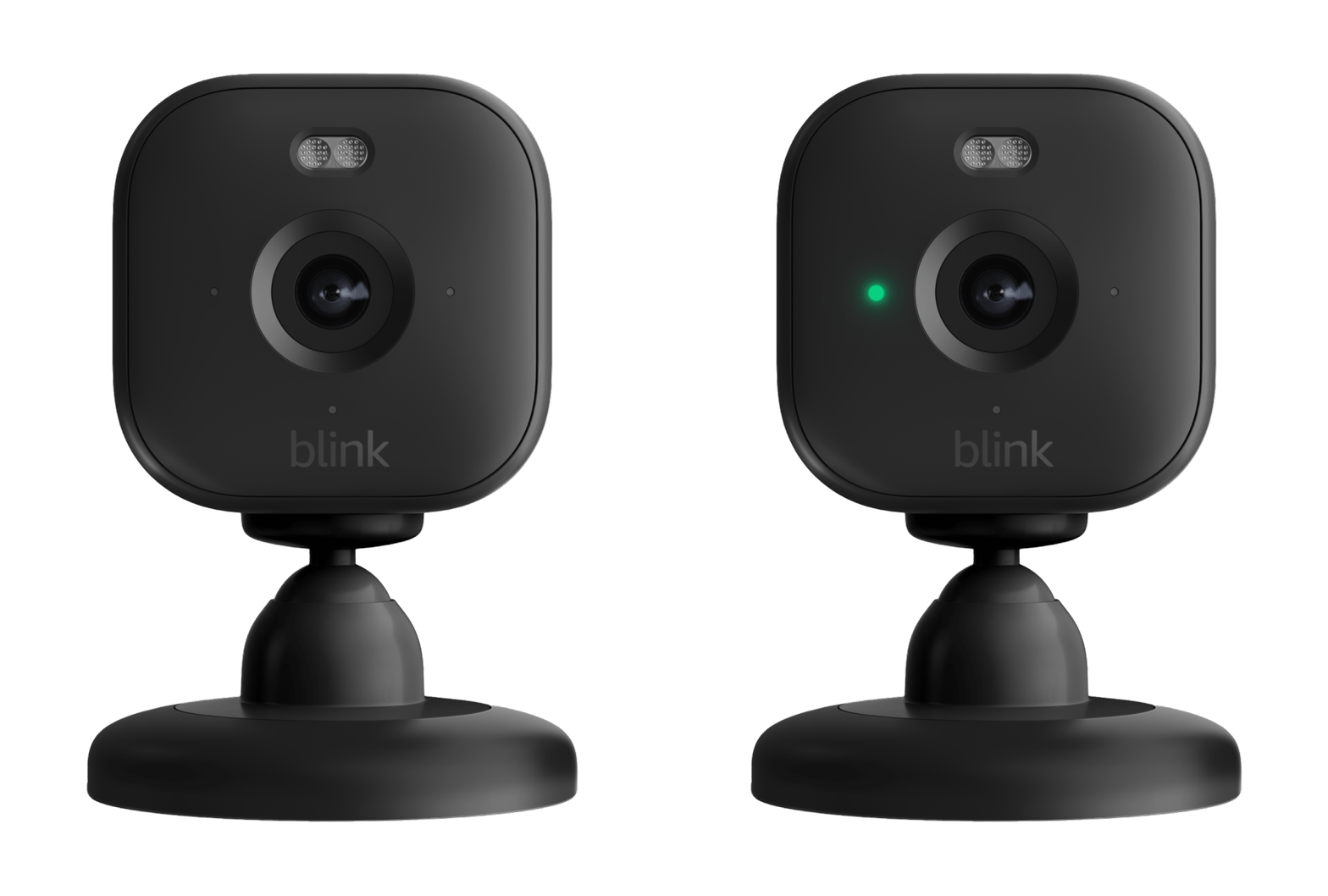 |
LED: Blinking green
Activity: Mini Camera has fallen offline and is attempting to reconnect to the previous network.
|
 |
LED: Solid red
Activity: Mini Camera is unable to connect to your network, or the entered Wi-Fi password may be incorrect.
|
 |
LED: Solid blue
Activity: Mini Camera is either recording motion or accessing a live view. You can disable this LED by going to Device Settings > General Settings > Status LED > Always Off. Learn more about device settings.
|
 |
LED: None
Activity: Mini Camera has completed the setup process, established an online connection, and successfully connected to Wi-Fi. However, this could also indicate the Mini camera is not plugged into an outlet, or there’s a power issue.
|
Mini LEDs
| Light Pattern | Description |
|---|---|
 |
LED: Blinking red
Activity: Mini Camera is starting up.
|
 |
LED: Solid green, blinking blue
Activity: Mini Camera is in pairing mode and ready to be set up.
|
 |
LED: Blinking green
Activity: Mini Camera has fallen offline and is attempting to reconnect to the previous network.
|
 |
LED: Solid red
Activity: Mini Camera is unable to connect to your network, or the entered Wi-Fi password may be incorrect.
|
 |
LED: Solid blue
Activity: Mini Camera is either recording motion or accessing a live view. You can disable this LED by going to Device Settings > General Settings > Status LED > Always Off. Learn more about device settings.
|
 |
LED: None
Activity: Mini Camera has completed the setup process, established an online connection, and successfully connected to Wi-Fi. However, this could also indicate the Mini camera is not plugged into an outlet, or there’s a power issue.
|